For museums, historic sites and tourism

Museum or historic site? Take visitors where the public cannot go.

Some places are too fragile, too narrow or too far. Film them once in 180° or 360°. With MV Experience, every visitor explores them on Apple Vision Pro, and it is easy to set up in a museum.

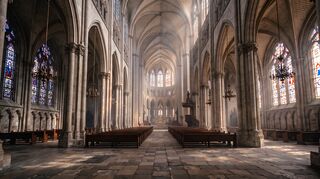
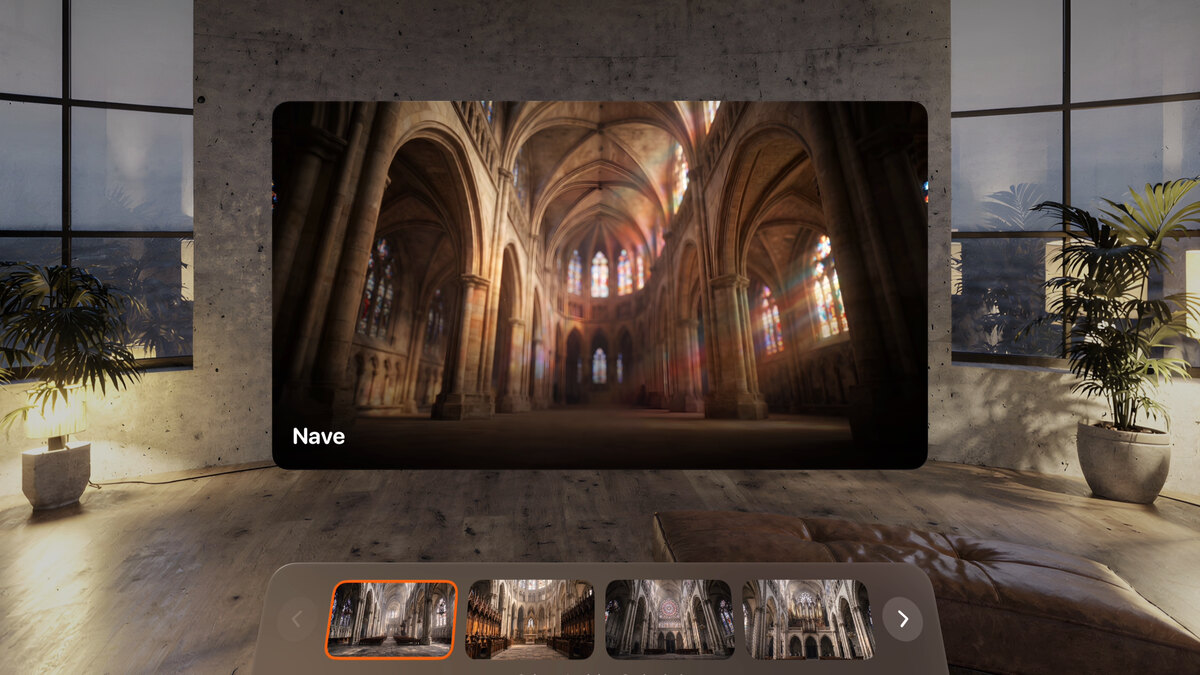
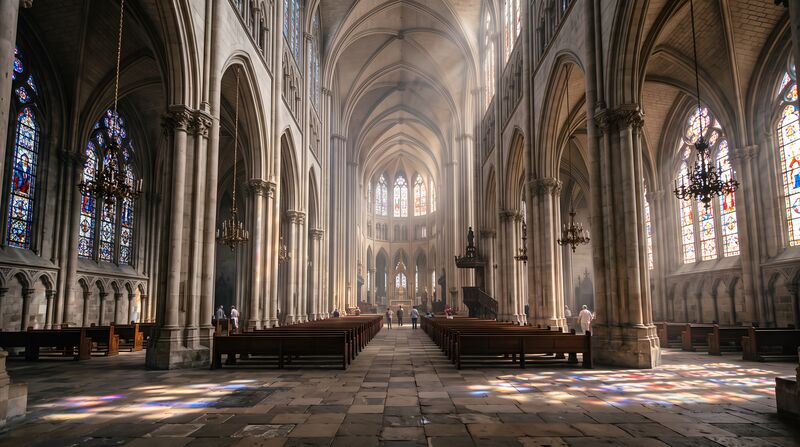
Sainte-Avelaine Cathedral: the nave seen from the aisle, with tall stone arches and stained glass.
Sainte-Avelaine Cathedral. Example experience. Fictional.

The best rooms stay closed.

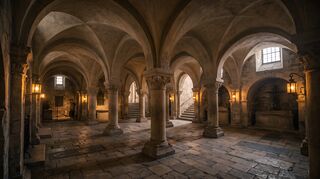
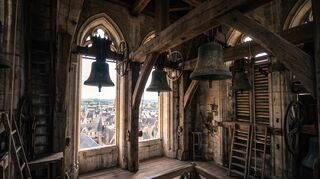
  • The crypt and the bell tower stay shut to keep them intact.
  • Some visitors cannot climb to the upper floors.
  • Staff change often. Nobody has time to learn a complex system.
  • Thick stone walls and a busy guest network make anything online unreliable.

A visit anyone can run.

  1. Film each viewpoint once. Drop the videos into the Studio.

  2. Build a collection: the viewer’s choice for a free tour, in order for a guided one.

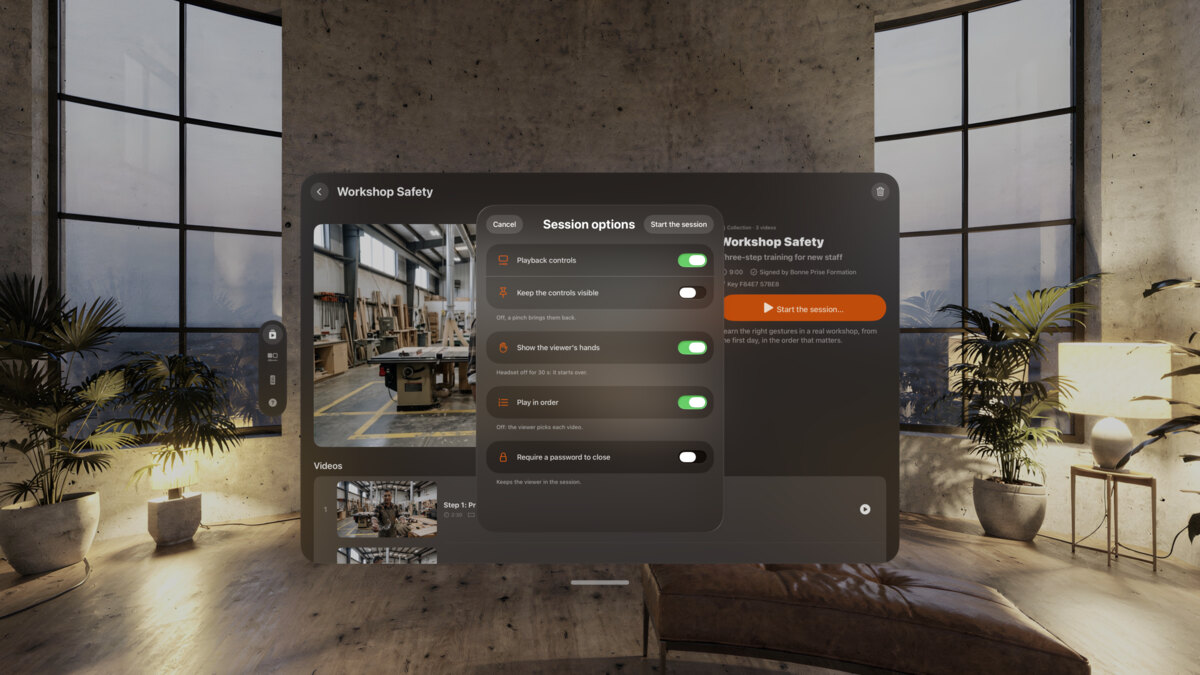
  3. Set the session: player controls hidden, a password to close it.

  4. Hand over Apple Vision Pro. Visitors tap “I’m ready” and pick a viewpoint with a finger.

  5. Taken off for 30 seconds, the session starts over for the next visitor. Staff follow it from an iPad at the desk.

The Sainte-Avelaine Cathedral session on Apple Vision Pro: the nave is selected, the other viewpoints wait below.
Session options on Apple Vision Pro for Workshop Safety, with switches for the player controls and the password to close.
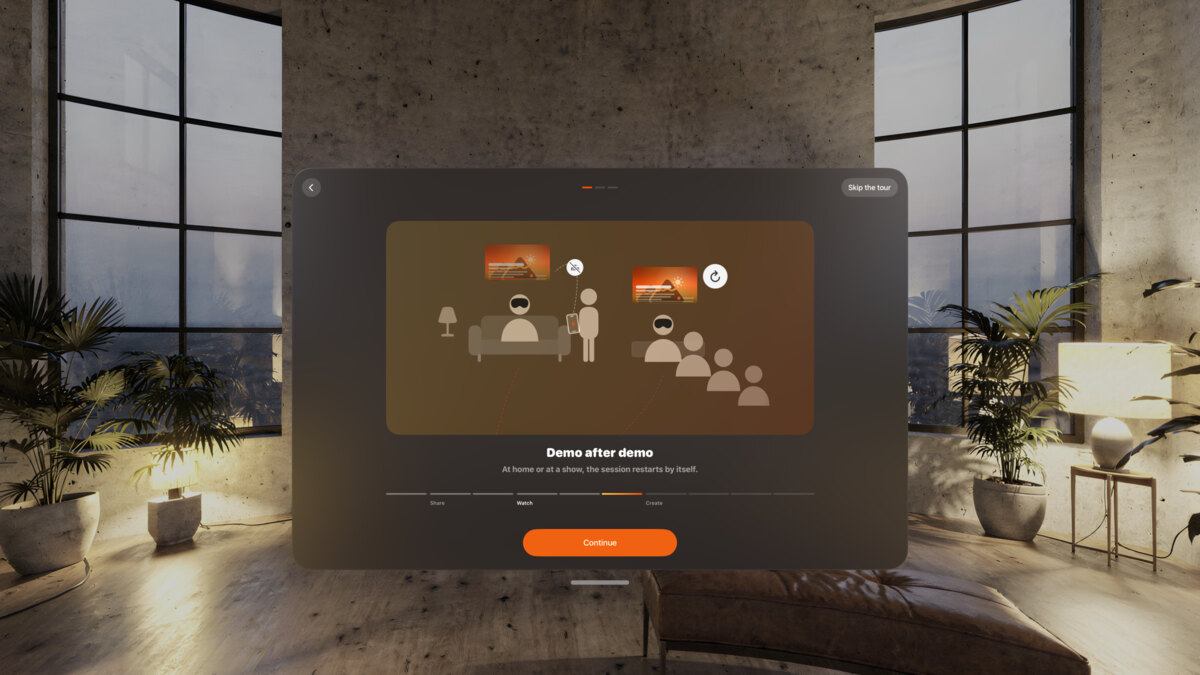
The onboarding on Apple Vision Pro: “Demo after demo”, with a Continue button.

The example

From our example library. The names are fictional.

Sainte-Avelaine Cathedral: the nave, the cover of the experience.

Sainte-Avelaine Cathedral

Ogive Films

A collection of eight 180° videos, chosen by the viewer.

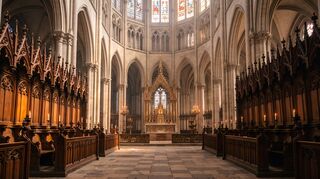
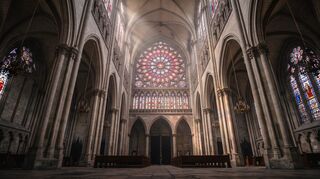
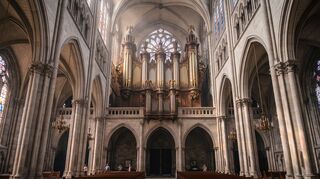
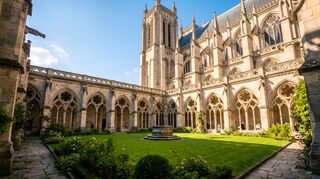
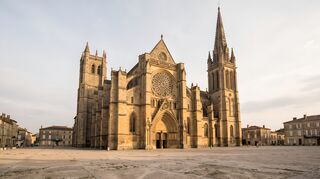
“Eight viewpoints, you choose where to go.” The nave, the choir, the rose window, the organ, the crypt, the bell tower, the cloister and the portal of an invented Gothic cathedral.

Example experience. Fictional.

  • Nave
  • Choir
  • Rose window
  • Organ
  • Crypt
  • Bell tower
  • Cloister
  • Portal
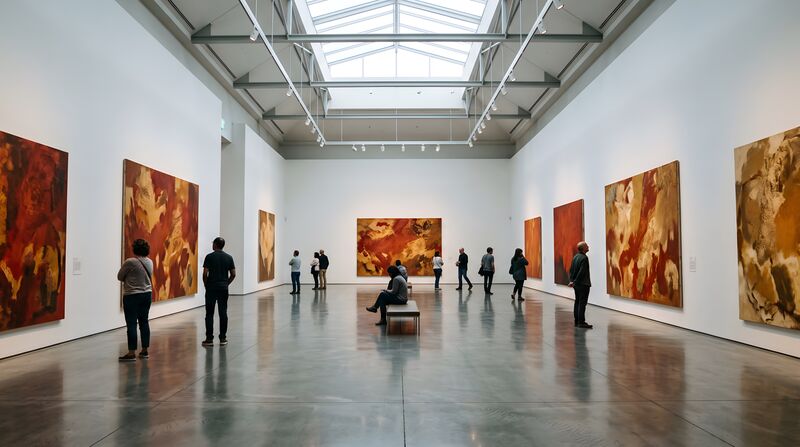
The Color Walk: a white gallery hung with large orange and red paintings, visitors walking through.

The Color Walk, by Galerie Vantelle. Three rooms, in the order the curator imagined.

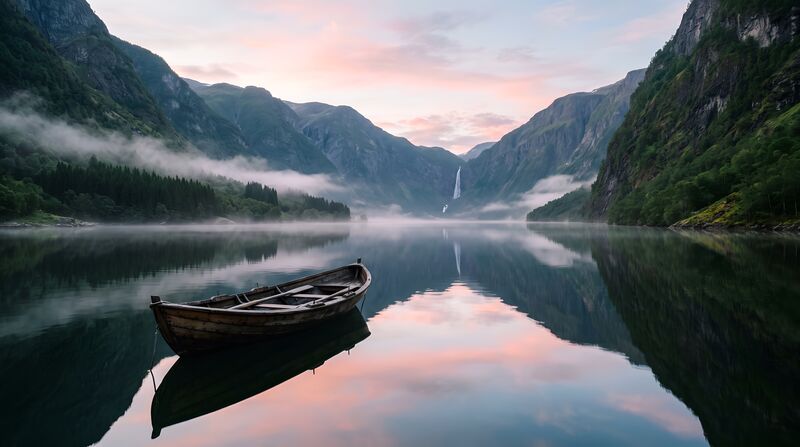
Fjord at Dawn: a rowing boat on still water between steep mountains, under a pink sky.

Fjord at Dawn, by Nordlys Travel Films. One video: a destination you can feel before you book.

At the front desk

  • Apple Vision Pro charged, MV Experience open on the experience.
  • Session options set: controls hidden, password to close.
  • An iPad at the desk, paired as the remote.
  • A one-page guide for staff: start the session, hand it over, take it back.
  • Apple’s cleaning guidance at hand for between visitors.

FAQ

Is it hard for staff?

Pick the experience, tap “Start the session”, hand over Apple Vision Pro. The viewer is guided from there, and the session starts over by itself 30 seconds after Apple Vision Pro comes off.

Does it need the site’s Wi-Fi?

No. Experiences play from the file. The remote works device to device, nearby, with no Wi-Fi network to join. Wi-Fi only needs to be on.

Can we offer the visit beyond the site?

Yes. Share the file from your website, or sell it like any digital file. On iPhone, iPad and Mac it plays in a window.

Can a tourism office use it too?

Yes. A destination film, like Fjord at Dawn, plays at a fair stand or at the office, visitor after visitor.

Open the places you have to keep closed.

Free to download. Public beta on TestFlight. Coming to the App Store.