For filmmakers and studios

Filmmaker? Your film deserves a better demo.

You sold the project. Now show it: at a trade show, in a store, in your client’s office. MV Experience turns your immersive film into one signed file and a session any visitor can follow. No app to build.

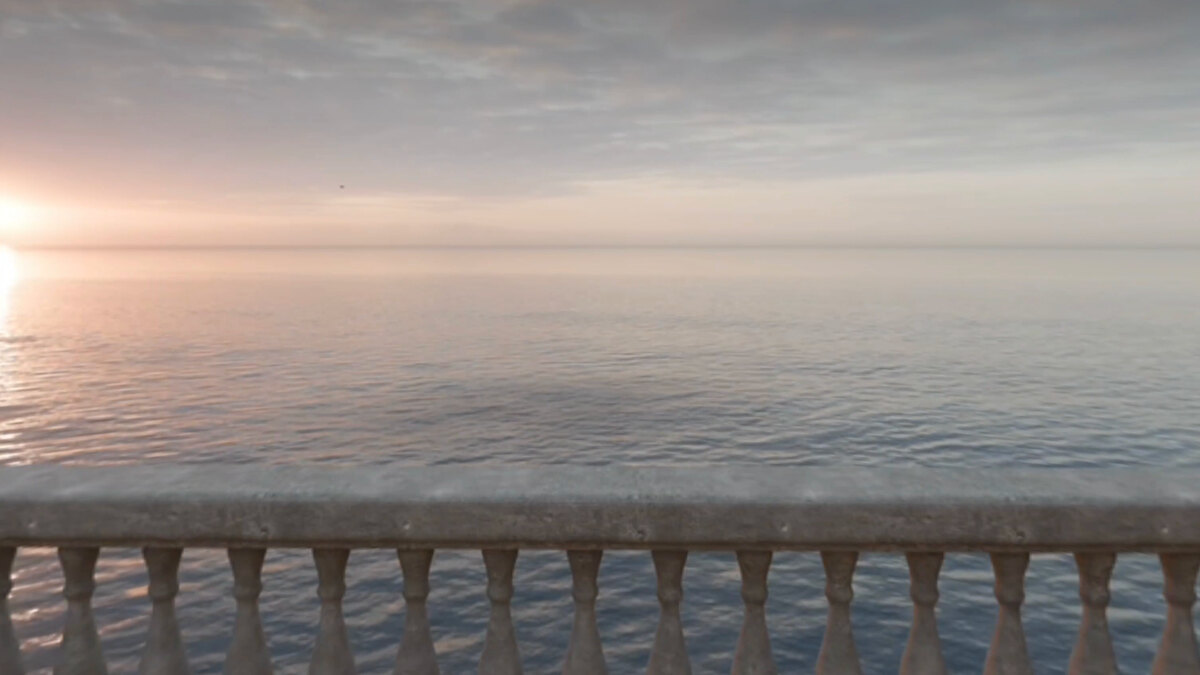
The Terrace: a stone balustrade on a terrace above a calm sea, the sun low on the horizon.
The Terrace, a 180° film by Florent Morin.

The film is done. The demo is not.

  • Your client wants it at a show next month. A custom app would add a big share of the budget.
  • Most visitors are trying Apple Vision Pro for the first time. Each one needs help, and the queue grows.
  • The hall network is busy, and a heavy film cannot wait for it.
  • You hand over your film and hope it stays where it should.

From the edit to the booth.

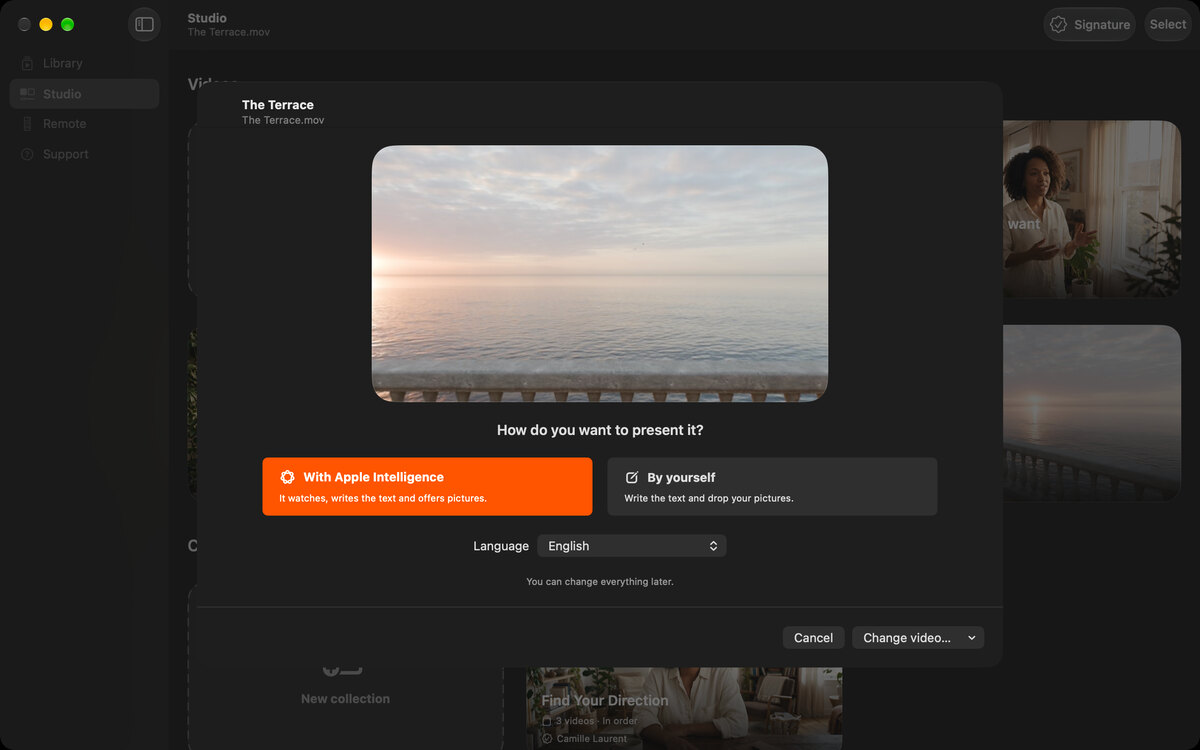
  1. Drop your film into the Studio. Apple Intelligence drafts the page, or you write it.

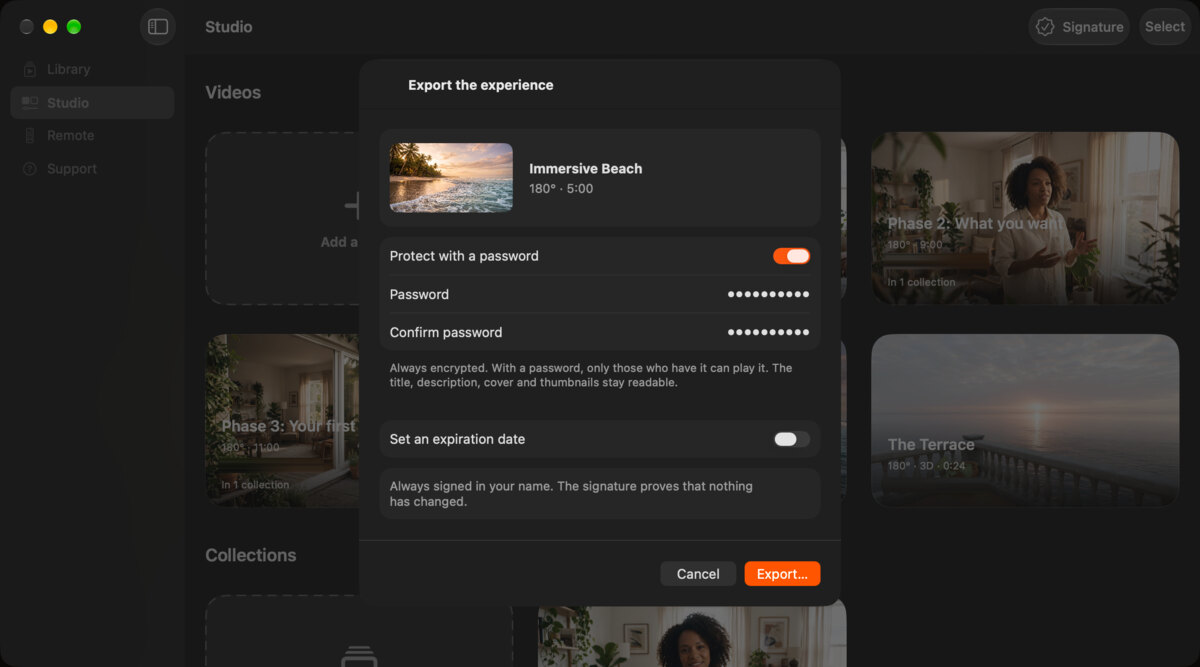
  2. Export one file, signed with your name. For client work, add a password and an expiration date.

  3. AirDrop it to every Apple Vision Pro at the booth. Each one plays it in full with the free app.

  4. Set the session: player controls hidden, a password to close it.

  5. Run the queue from your iPhone. Taken off for 30 seconds, the session starts over for the next visitor.

The Studio on Mac with The Terrace dropped in, and the choice to present it with Apple Intelligence or by yourself.
The export sheet on Mac for Immersive Beach, with a password and an expiration date to set.
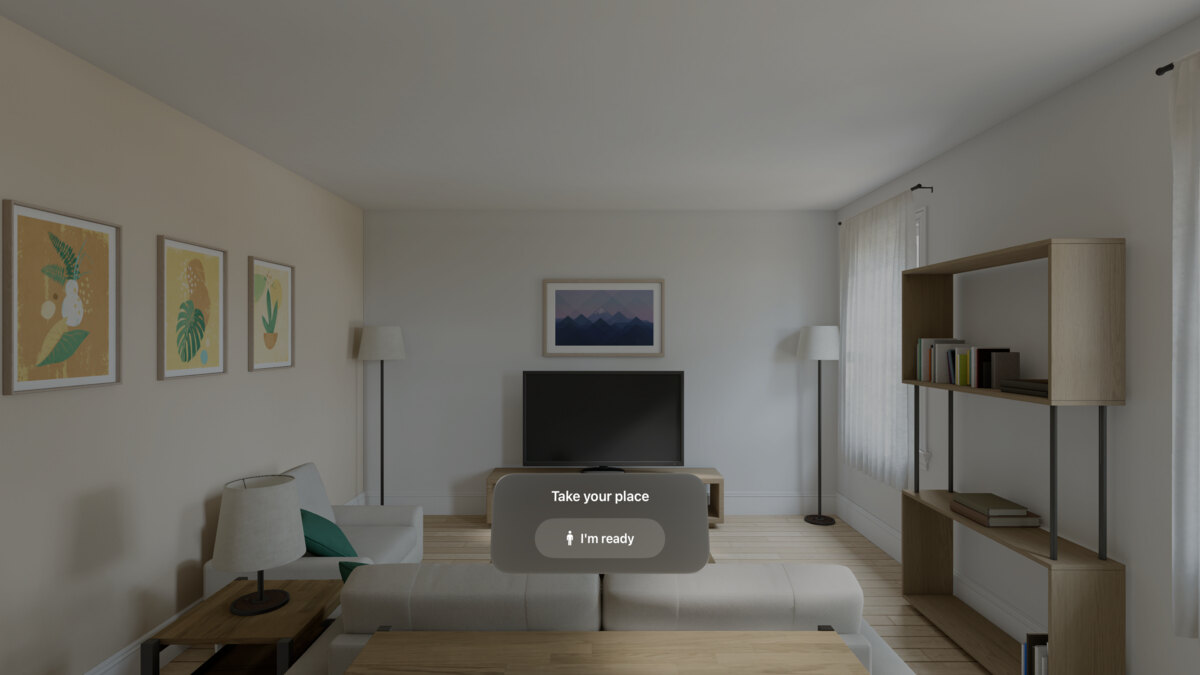
A room on Apple Vision Pro with a “Take your place” card and an “I’m ready” button.

The example

From our example library. The names are fictional.

The Terrace playing on Apple Vision Pro: the sea at sunset, seen from the balustrade.

The Terrace

Florent Morin Real footage

One video, in 180°.

The film’s page, with its picture and its words: “Sit on a terrace above the sea and watch the sun go down, in 180°.” One tap, and the film plays. The one real film in our examples, shot by Florent Morin.
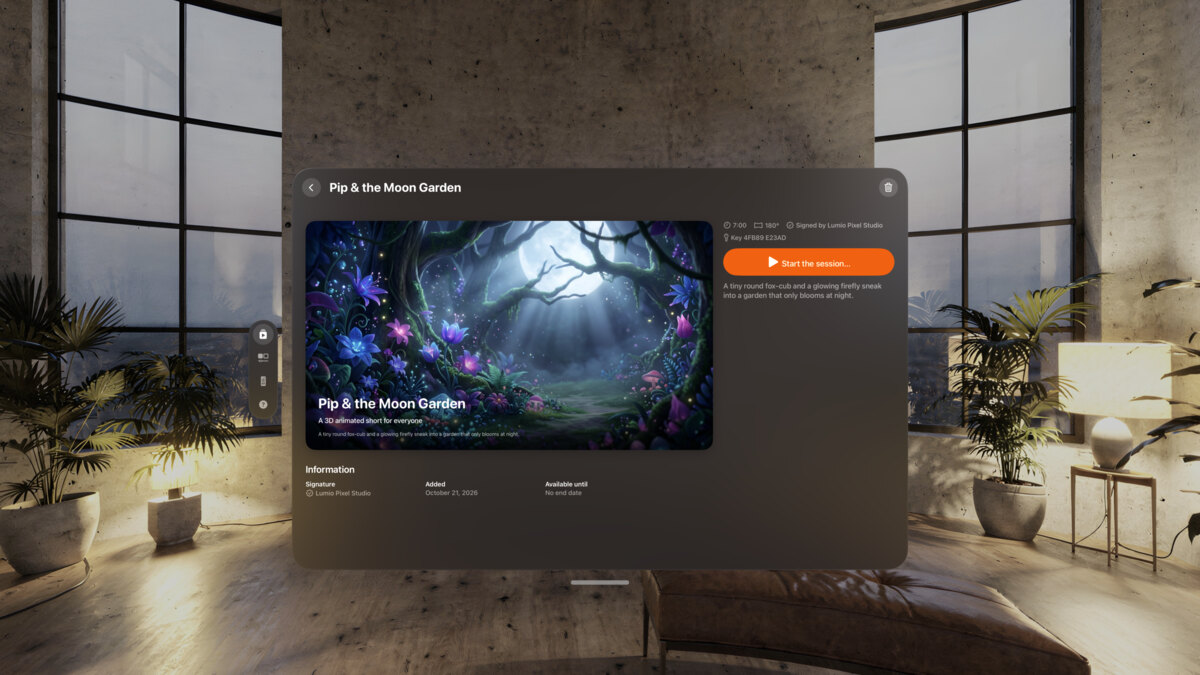
Pip & the Moon Garden received in the Library on Apple Vision Pro, signed by Lumio Pixel Studio.

Pip & the Moon Garden, by Lumio Pixel Studio. One video, a 3D animated short, received in the Library like any file from a studio.

Before the doors open

  • MV Experience on every Apple Vision Pro, and on the iPhone you run it from.
  • Your experience exported. For client work, with a password.
  • The file sent by AirDrop to each device, and opened once.
  • Session options set: controls, hands, password to close.
  • Remote paired. Wi-Fi on. Local Network allowed.
  • Batteries charged. Apple’s cleaning guidance at hand for between visitors.
  • One dry run: take Apple Vision Pro off, wait 30 seconds, check the fresh start.

FAQ

Can my client keep using the film without paying me?

The file is always encrypted and signed with your name. Add a password and an expiration date: your client plays it until that date, with the password. It is not DRM. Anyone your client gives the password to can play it until it expires.

Does my client need a subscription?

No. Received experiences always play in full in the free app. Only the person who exports needs MV Experience Premium.

Which formats can I drop?

Apple Immersive Video, spatial and 3D video, 180° and 360° video in MP4 or MOV with their metadata, and flat video.

Can I show several films at one booth?

Yes. Put them in a collection. Visitors pick one with a finger, or they play in order.

Your next show, without the setup stress.

Free to download. Public beta on TestFlight. Coming to the App Store.